
Fingerprint drawer lock, smart biometric, zinc alloy body,fit for drawer wardrobe,drawer, cabinet for home office…(LO1003)
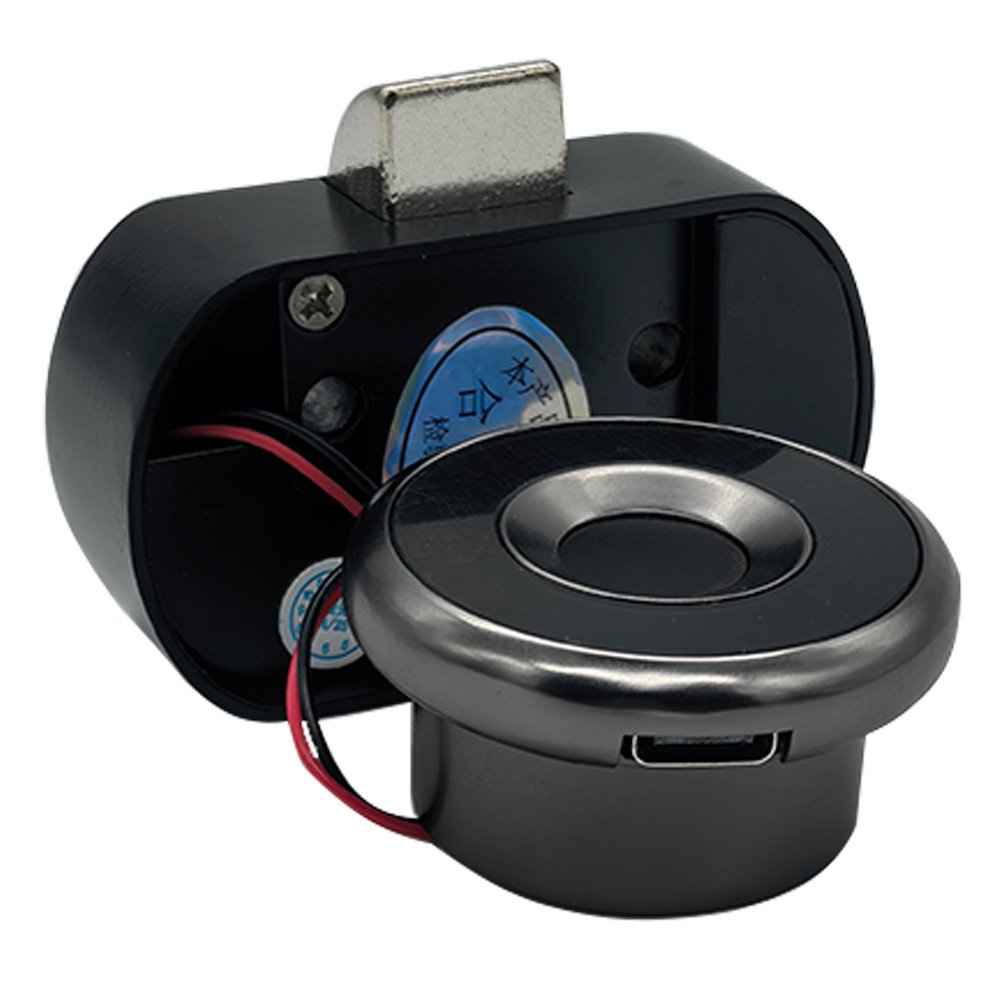
Quick Unlock: Advanced fingerprint drawer lock tech with better response and sensitivity. 0.5 S reaction time,
Auto Lock: The fingerprint drawer lock tongue will pops up automatically after unlocking for 3 seconds to prevent you from forgetting to lock.
Safe and reliable: The zinc alloy body and durable structure ensure long-lasting performance and peace of mind.
Privacy Protection: Fingerprint drawer lock is definitely your choice to enhance the security of personal belongings and secrets! It can effectively prevent your files from being messed up or items from being damaged
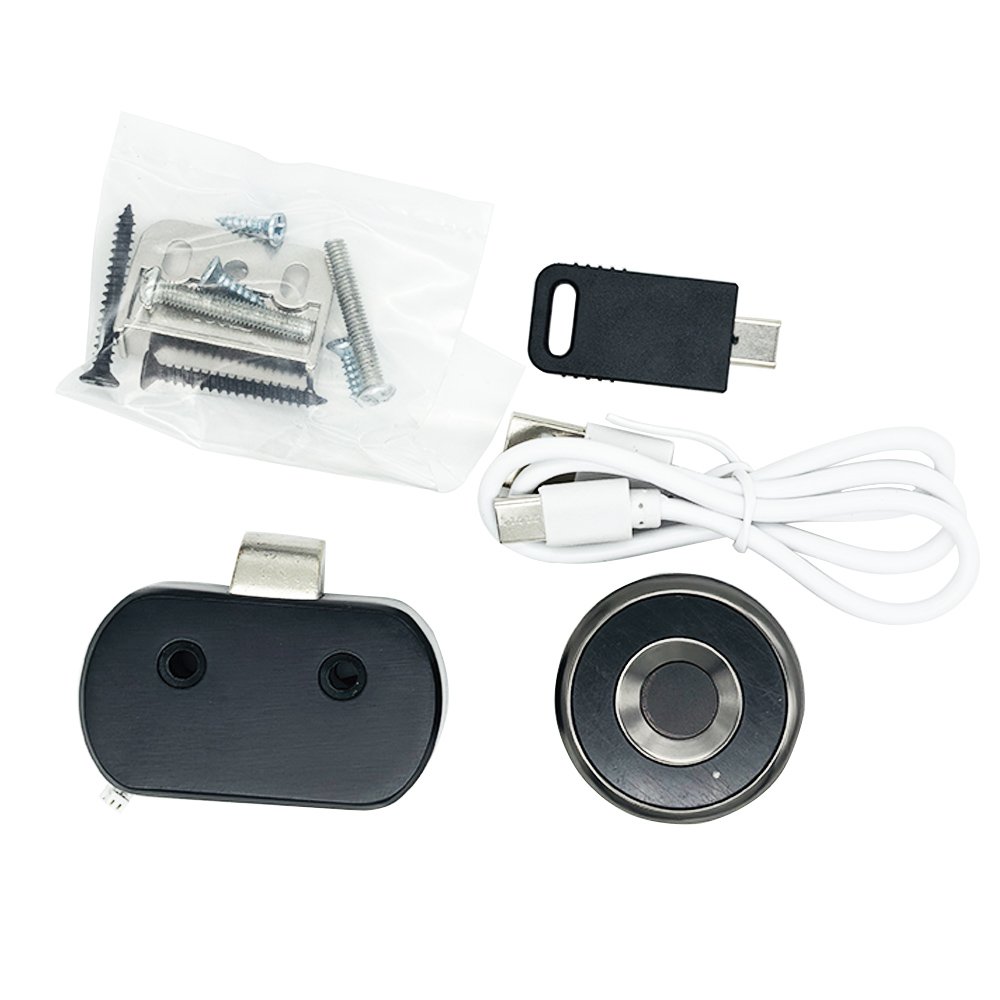
Multiple unlocking methods: In addition to fingerprint unlocking methods, there are also electronic keys that can be unlocked.
Wide Application: Our smart biometric lock can be widely used in wood furniture, such as wardrobe, drawer, Cabinet, storage boxes and so on
Multi person use: Fingerprint drawer lock can record up to 20 fingerprints.
>>Customization supported.<<
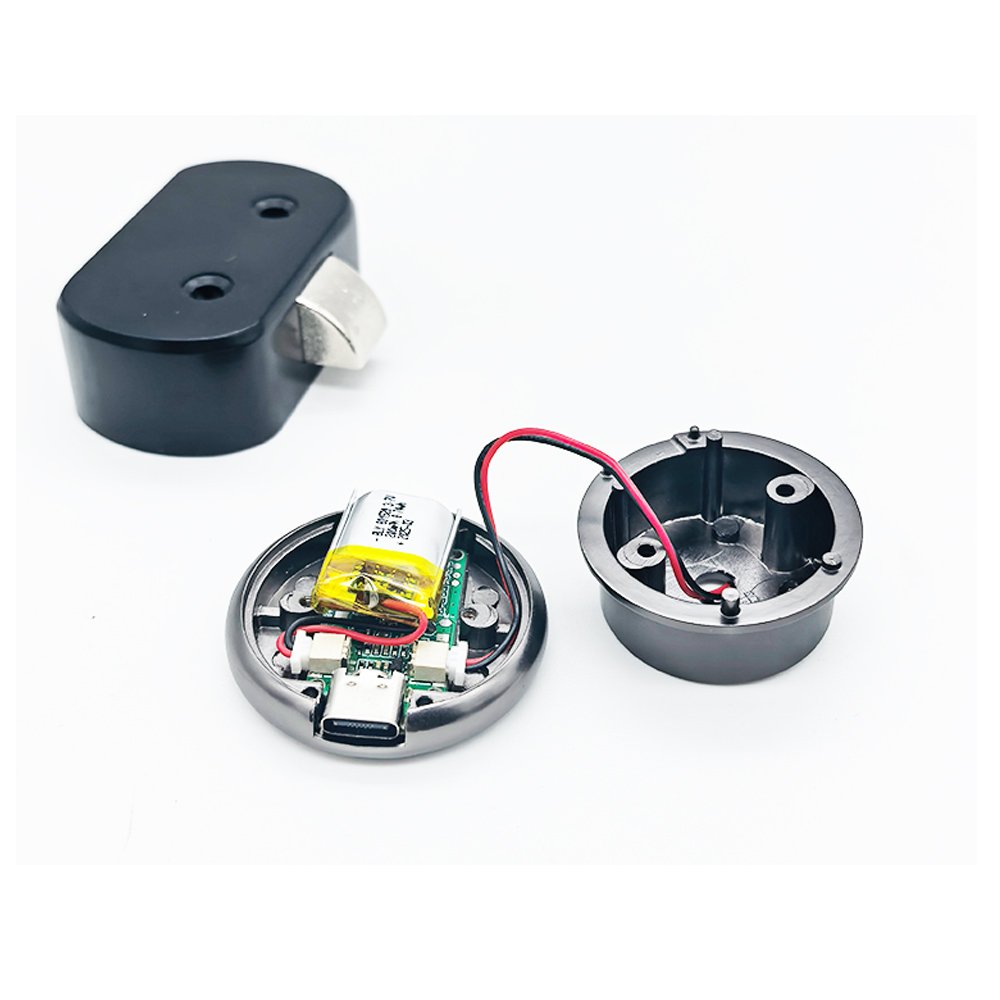
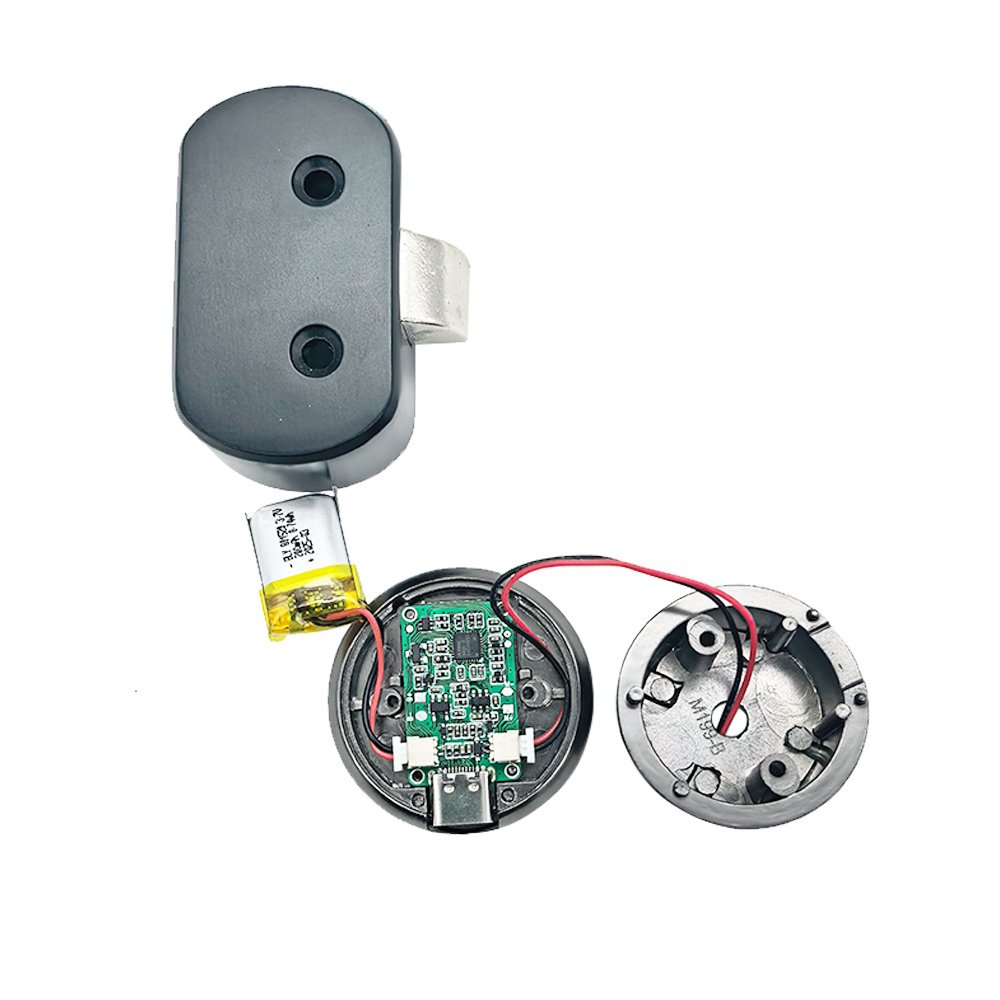
Capacitive fingerprint recognition technology:
>Lightning unlock in less than 0.5 seconds
>Ultra low power consumption, can support unlocking more than 3000 times after being fully charged once
>360 degree automatic recognition, including self-learning function, real-time fingerprint collection and repair technology
>Support 20 sets of fingerprint storage quantity
>TYPEC charging function
>Low voltage prompt
>Electronic KEY unlocking function (only compatible electronic KEY, emergency use)
FAQs and Solutions:
Question 1: why could all fingerprints unlock it?
–Answer: ‘Cause the fingerprint drawer lock is still in original state and you haven’t enroll any fingerprint in it. So anyone any fingerprints can open it.
–Solution: Enroll your personal fingerprints correctly by following the instructions/videos .
Question 2: why is fingerprint identification slow?
–Answer: ‘Cause the fingerprint haven’t been recorded clearly and completely, it may cause slow identification.
–Solution: Re-enroll with the same finger at different angles.
Question 3: How to unlock when it is out of battery?
–Answer: Don’t worry, there’s still plan B. And The lock will have a red light flicker prompt to remind you that it’s time to change new battery.
–Solution: Use your power bank to power it and unlock!
Question 4: How to enroll multiple fingerprints?
–Answer: Same thing, enroll one fingerprint successfully and repeat the steps. Up to 20 fingerprints can be enrolled.